The case for adding a prominent "choose your language" button
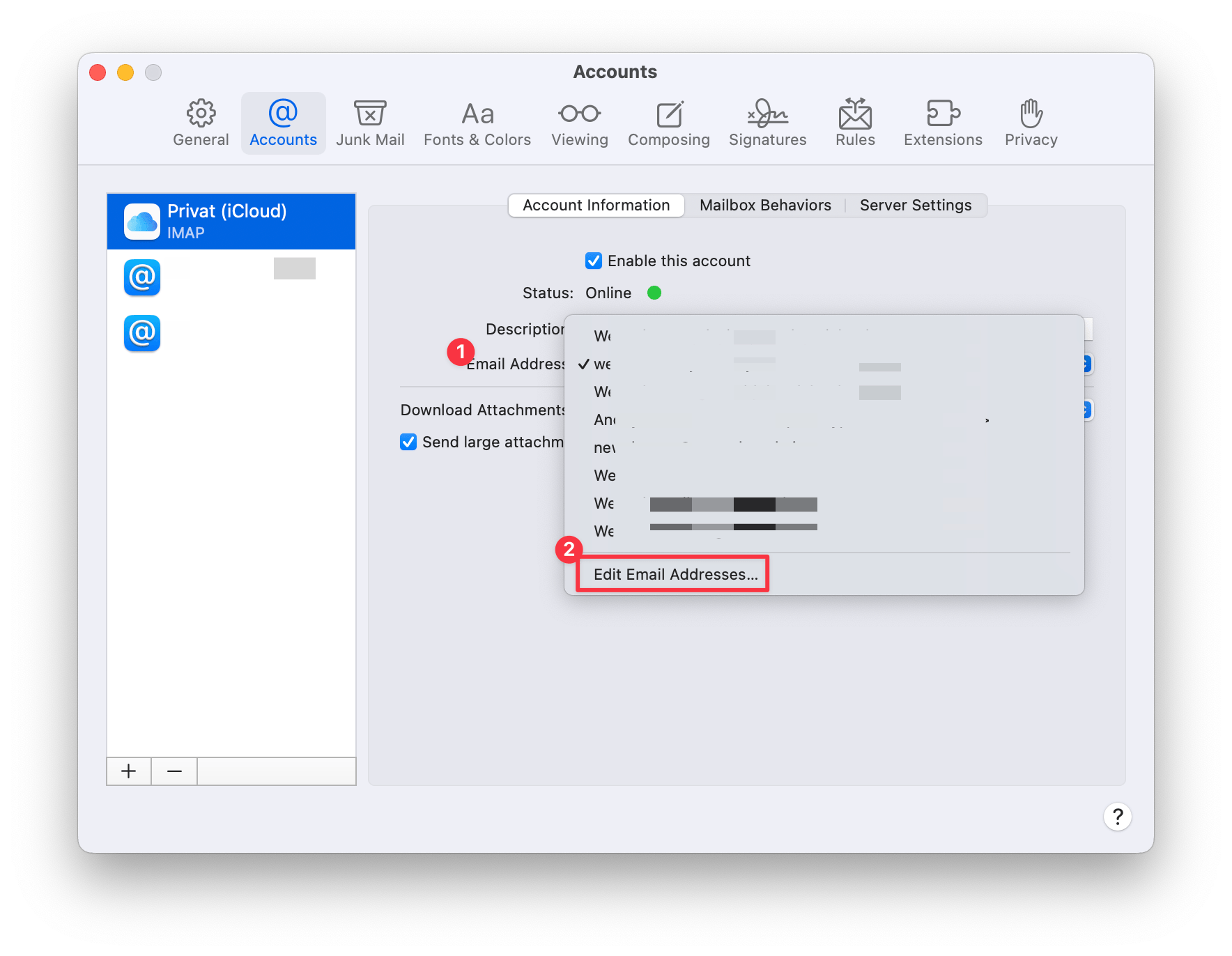
The preference panel shows an opened dropdown menu with many redacted email addresses. The last list item is labeled “Edit Email Addresses…”
While cleaning up some email preferences in Apple Mail on my Mac, I clicked on "Edit Email Addresses…” from the dropdown menu that lets you pick your primary email address. The menu closed, and Safari opened with a login screen for iCloud.com. I was half expecting that, but it still felt a little jarring to be thrust out of Apple Mail, into a browser, and be asked to log in.
However, that is not why I am writing this post, although I think it is bad UX, I am writing this post, because the login screen was in a language I guess was Polish? I’m not sure, but my Mac is set to English, my Apple ID is registered in Germany, and yet, Apple showed me a probably Polish login page.
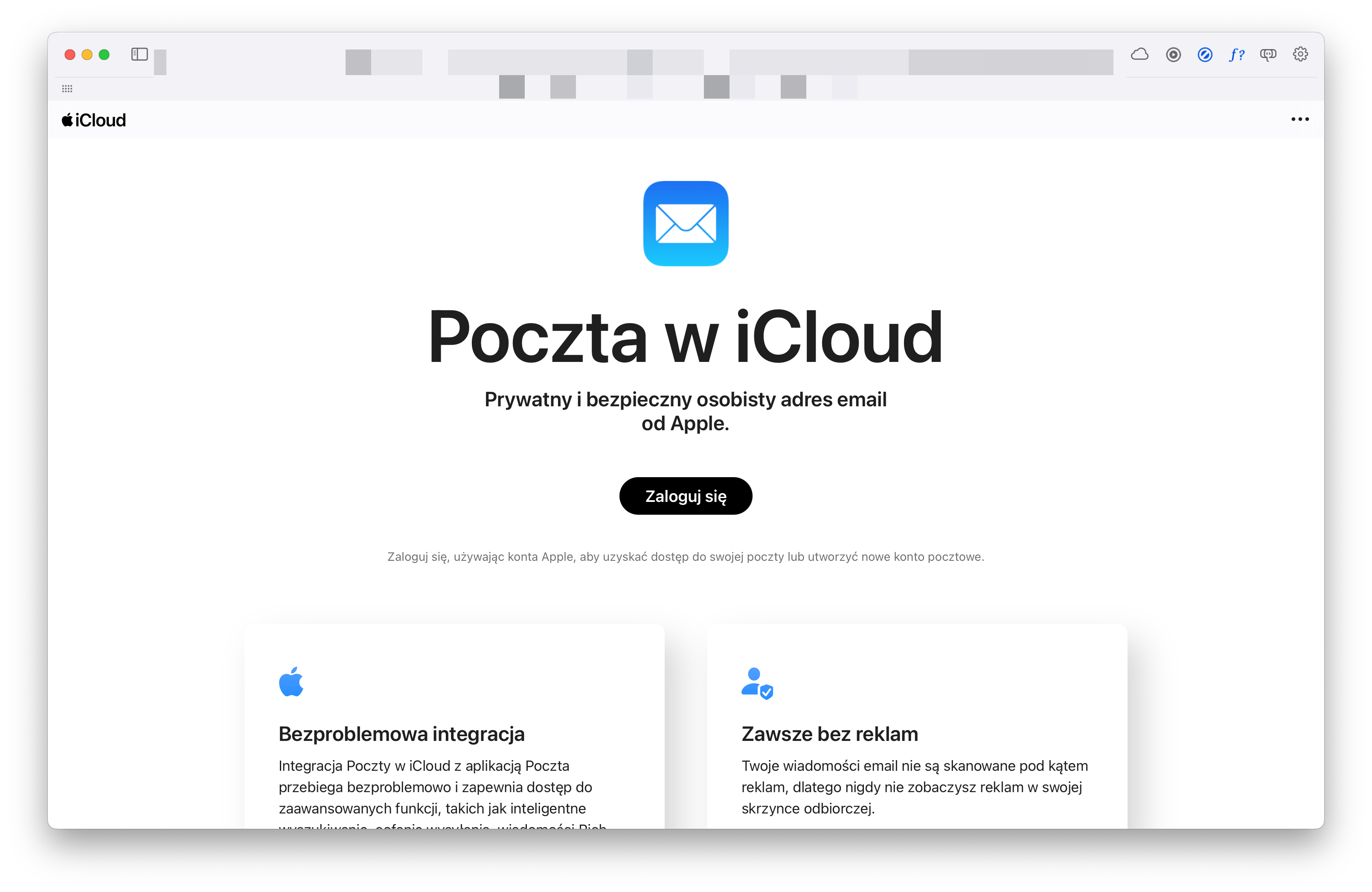
The iCloud.com login page in a language I don’t speak or recognize. Could be Polish?
Now, I know that the big button in the middle probably says "login", but I would like to be able to understand what I’m looking at. My first attempt was to just reload the page, it reloaded in the same language. Before continuing, I checked my IP address and where Google thought I was. It showed my location based on my IP as Germany. To be clear, I don’t even live anywhere near the Polish border, according to Apple Maps I’d have to drive about 350km to get to Poland.
Next, I scrolled the page all the way, scanning for any way to change the language. I didn’t find any link, button, or anything else, that allowed me to change the language of the page. I then used Safari’s built in translation tool to translate the page and looked for a language switcher again. Nothing. After reloading the page a third time to get rid of the Safari translation (I didn’t see a button for that either!), I was back at square one: The probably polish iCloud.com login page. I decided to log in.
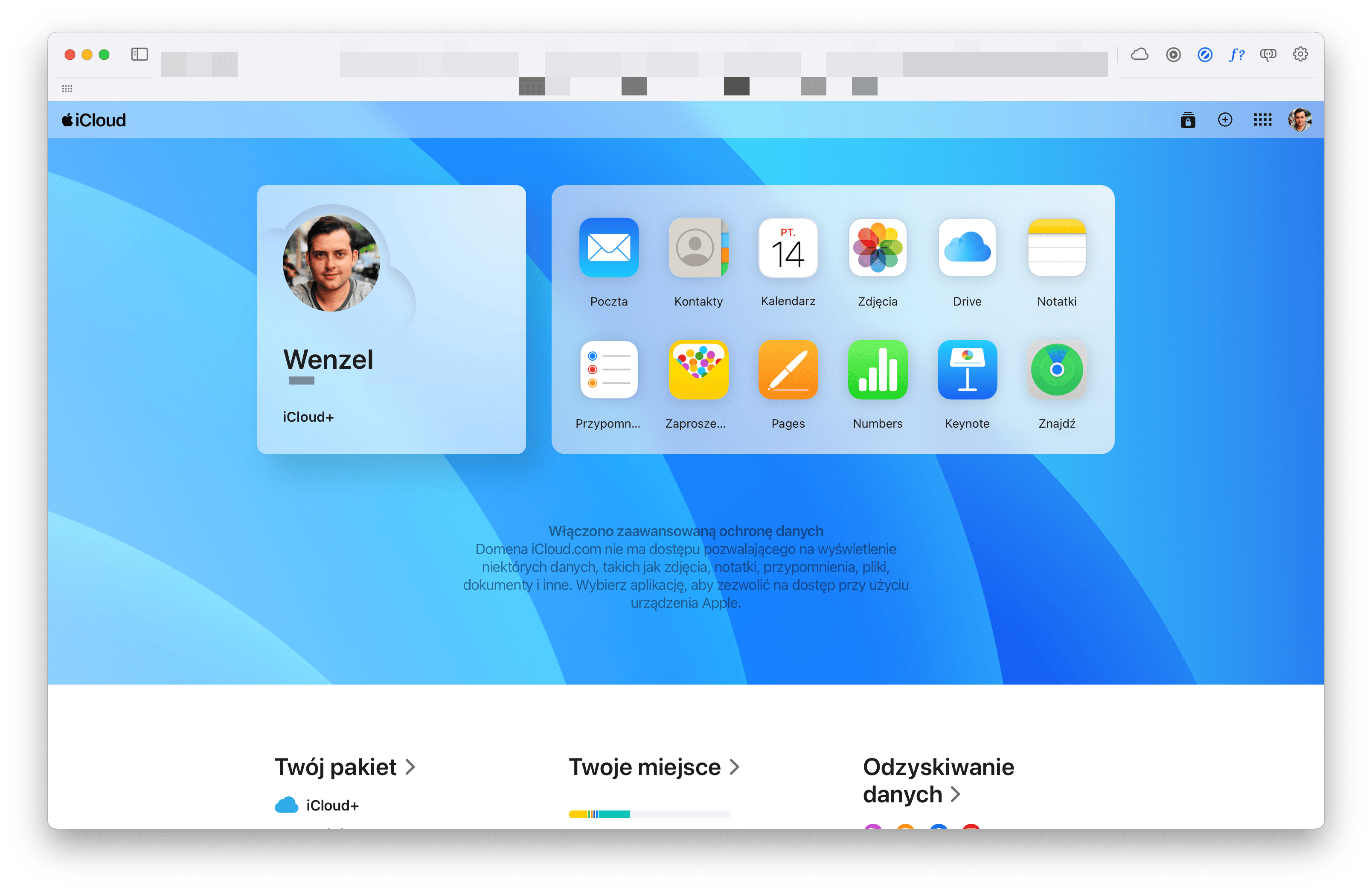
ICloud.com welcome screen in probably polish.
No luck, Apple signed me in and immediately opened the Mail preferences to edit my Email Addresses. Credit where its due, that was the thing I had originally clicked on in Mail and despite my reloading and translating the page multiple times, that deep link still worked and opened the preferences! But those preferences were in probably Polish now, so I didn’t understand a thing.
Why, at this point, Apple did not use the language set in my Apple ID, or at least the UI language set on my Mac, I cannot say. I think at least after logging in, it should prefer my account language over the automatically derived locale. This reminds me of the time Apple Music Replay ended up displaying itself to me in three languages at once.
After signing out, I landed on the correct login page for iCloud.com—it used my Mac’s system language: English.
Dear UX and UI Designers, Dear PMs and POs, Dear Apple,
automatically selecting the correct language to display a multilingual website in is the right thing to do. Sometime though, this automatically detected language is wrong for one reason or another. It could be a technical error like the one described above, it could be that the user signing in borrowed someone’s laptop and is on vacation in a different country. In any case, it should be possible, if not easy, to select a preferred language, to ensure users can use your product.