What it’s like to migrate your data from iPhone to iPhone in 2025
The last time I set up an iPhone by transferring data and settings was 2020, and I was curious how this process might have evolved since. Setting up my new phone the other day, I took some notes, and I think, the experience has got significantly worse with the increasing number of electron/react/web-app-apps on iPhone.
Some good news
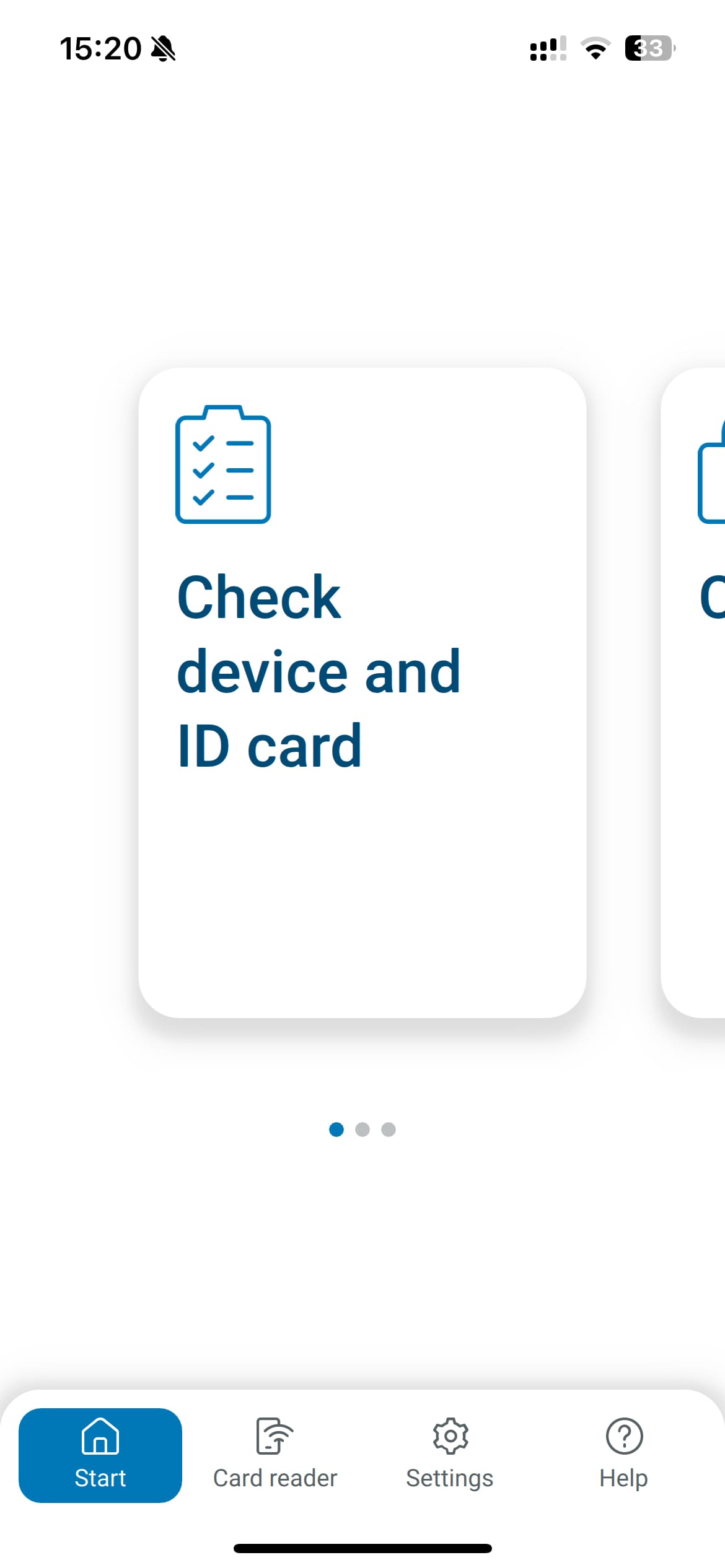
Main view of the digital ID app of Germany, the screen shows a carousel of three features, and a tab-bar repeating one of them, and linking to settings
1Password and Apple Passwords just worked. I was able to just use them immediately, the bad news: I needed them a lot! Apps were signed out, apps reset, some just didn’t transfer at all. More on that later, first some more good news.
I have AltStore on my phone, despite never downloading a single app, just out of curiosity. It just worked. The German “Ausweis App” (Identity-Card app) also just worked, and I was able to read the NFC chip on my government issued ID on first try. This surprised me because it looks like a first-semester Computer Science side-project that stopped being maintained in 2010, then again, most of German IT looks like that.
Before getting into the considerable list of issues, I want to give some credit where its due: All iOS apps built to run natively, like Ivory for Mastodon, Reeder, and Signal, either worked after migration without any intervention, or were super user-friendly and quick to set up again. Even some apps like VW’s app to remote-control my car, which looks like a React app, just worked. The issues I experienced are entirely avoidable, and I think they are simply the result of developers not caring or being put under immense deadline-pressure.
Messaging apps required special care
I have quite a few messaging apps on my phone: WhatsApp, Signal, Threema, and iMessage. Getting WhatsApp to work was easier than iMessage, I opened the app, entered my phone number, it restored everything, and all my messages were immediately available. Even messages received during the transfer appeared on my new phone instantly.
iMessage greeted me with sync issues. Recent messages were missing, syncing was paused, and new messages kept arriving on my old phone, but SMS text messages arrived on my new phone. I had to manually sync it by opening Settings > Me > iCloud > Messages and tapping Sync Now, which took two attempts of about 40 minutes each. Afterwards, a group chat was broken, and I had to leave it and ask to be added by a member, before I could see new messages.
Signal asked me to sign in, and then offered to transfer my old messages via peer-to-peer Wi-Fi connection to avoid uploading them to iCloud. I needed access to both phones at the same time, but it worked well and automatically signed the old phone out when it was done. Like WhatsApp, a better experience than iMessage.
The Threema app opened as if I’d never used it before, no data was migrated from my old phone. I restored my Threema messages from backup using my Threema ID and password—how is this safe? It’s like a login without two-factor security!—which worked 50%. To make this work, I had to sign out of Threema on my old phone manually, as it only allows using one phone at a time, and opening it on the old phone caused connection issues on the new phone. It didn’t tell me to sign out, though, nor did it offer on my new phone to unlink my old phone. This reset of Threema also meant that Threema lost its link to the desktop app, which is in beta right now. Unfortunately, I was unable to re-link it, so now I’m not getting Threema messages on Mac any more.
Verdict
WhatsApp is the clear UX winner here, directly followed by Signal, then iMessage, then Threema. However, in my books iMessage gets a bonus point for using post quantum encryption, I’m willing to put up with it for that.
Banking Apps, Credit Cards, and Apple Wallet
I had to set my banking apps up from scratch. Although the settings were transferred between phones, both DKB and N26 invalidated my session and signed me out immediately after detecting they were running on a new phone. Fair enough, I can understand them being a bit paranoid.
Apple Wallet remembered all my cards, but I had to re-authorise all credit cards from scratch. Apple prompts to do this immediately after transferring the settings and, for me, it suggested using my banking apps to validate. Luckily, Apple knows that requiring the banking apps might be an issue at that point, and the process is very forgiving. I was able to start the validation during initial setup, and when my phone was done setting up, I could open the Wallet settings and tap the “verify” button to finish setting up my cards.
Other wallet items just worked. For example, I have a card in my wallet that shows a QR code, which I use to pay for and enter my local swimming pool. It shows my account balance, and it transferred to my new phone seamlessly. Simpler cards, like store cards that show a barcode also just work.
Health insurance apps and other 💩 electron/react/web-app-apps
Probably the worst experience I had was with the web-apps that pretend to be apps, like Audible and EasyPark (more on that later). This category of apps doesn’t just annoy me every time I have to use them, they were also a pain to get working again after switching phones.
The absolutely worst offender was the app of my health insurance provider: ARAG. Shame on you! I had to completely reset the app after it prompted me for a password not stored in my password manager. The login didn’t cooperate with iOS, which means Passwords or 1Password didn’t recognize it and neither offer to save my login, nor offered to fill the login prompt. At least I know why the password was nowhere to be found…
Signing in to ARAG is supposed to take several minutes, as the data you enter into the sign-in prompt gets validated by a human! The app also informed me that I had to keep it open, and my iPhone unlocked while waiting. It did not tell me before entering my details, only after
After finishing that quiz, my phone was still showing the wait-message and I gave up. I did not get ARAG to work, despite dedicating a lot of time to it. It’s a terrible app anyway, and I’d rather wait on hold calling them than use it. At least the health insurance is both cheap and has great coverage…
The other electron/react/web-apps pretending to be iOS apps also didn’t transfer their sessions, and I had to sign in to use them, but at least the sign-in sheets sometimes worked.
Audible, Amazon, and many other apps required me to log in again. Most, however, did not show that I had been signed out, but I had to actively dig through their settings to sign in again. Why?! When signing in, these apps showed the username field and cooperated with iOS, meaning the keyboard offered to autofill the username and password.
None of these apps, however, made entering a two-factor OTP easy. They let me autofill my way through username and password with ease, but the prompt for the two-factor code just sits there and doesn’t trigger autofill suggestions from Passwords or 1Password. I had to close these apps, open my password manager, copy the OTP, go back, and tap the input field once to put focus on it, and then once more to open iOS’ copy & paste menu, then paste the code.
I think this encourages unsafe behaviour, as in not using 2FA. Most also still do not support Passkeys. Just this morning I was on the phone with a friend who got hacked because they weren’t using 2FA, and with this kind of UX, I understand.
Apps like these, including Audible and Amazon, stayed signed in on my old phone. The sessions remain valid on the server, which is a problem, I think, because Apple offers to auto-wipe the old phone after the transfer is complete, making it impossible to sign out of these accounts on your old phone. More on why you really should not wipe your old phone too quickly below. At least, these apps should regularly prompt their users to remove signed-in devices from their accounts.
You really should hold-off on wiping your old phone!
I am glad I decided to keep my old phone in working order, if I hadn’t, I’d have (temporarily) lost access to my Dutch Digital ID. Before you wipe your old phone, launch and test-run every single app on your new one to see, if you need data or credentials only available on your old phone. This, of course, also means that if you lose your phone and restore it from backup, you will lose access to this data, as it is not part of the backup: 😬
I had two issues I was only able to resolve because my old phone wasn’t wiped
One: When I started the transfer between my old and new phone, Apple Watch asked if I wanted to pair it with the new one. It then proceeded to silently fail at pairing, which I only discovered a day later and accidentally, because my watch let me stop an alarm on my old phone, but not on my new phone. When I opened the Watch app on my new phone, it showed my watch, informing me it failed to pair, offering to try again. It took several attempts of trying again, with an error message simply telling me that it had failed. Not until I unlocked my old phone, placed it directly next to the new one, and held my wrist with my watch directly next to both phones at the same time, did it finally succeed.
On an aside: I would have really appreciated iOS offering to disable all alarms on my old phone after the migration.
Two: A few years ago, I moved back from the Netherlands to Germany, but I still have a Dutch Digital ID (DigID). It is the digital foundation used to authorize and identify a person in the digital landscape of the Dutch bureaucracy. Setting this up originally was easy, I got the required documents in the mail, sent to my Dutch address. However, DigID did not transfer to my new phone, and needed to be set up from scratch. The good news: I was able to do this using the still working DigID on my old phone. Without that, I’d have had to request access and wait for a letter from the Dutch government, sent to my new address in Germany… 😮💨
Once you’re sure, though, you should sign out of all apps and services on your old phone, then wipe it, and sell it or send it to Apple for recycling. Drawers full of old phones are collections of rare earth metals and about-to-explode old batteries, don’t horde this stuff.